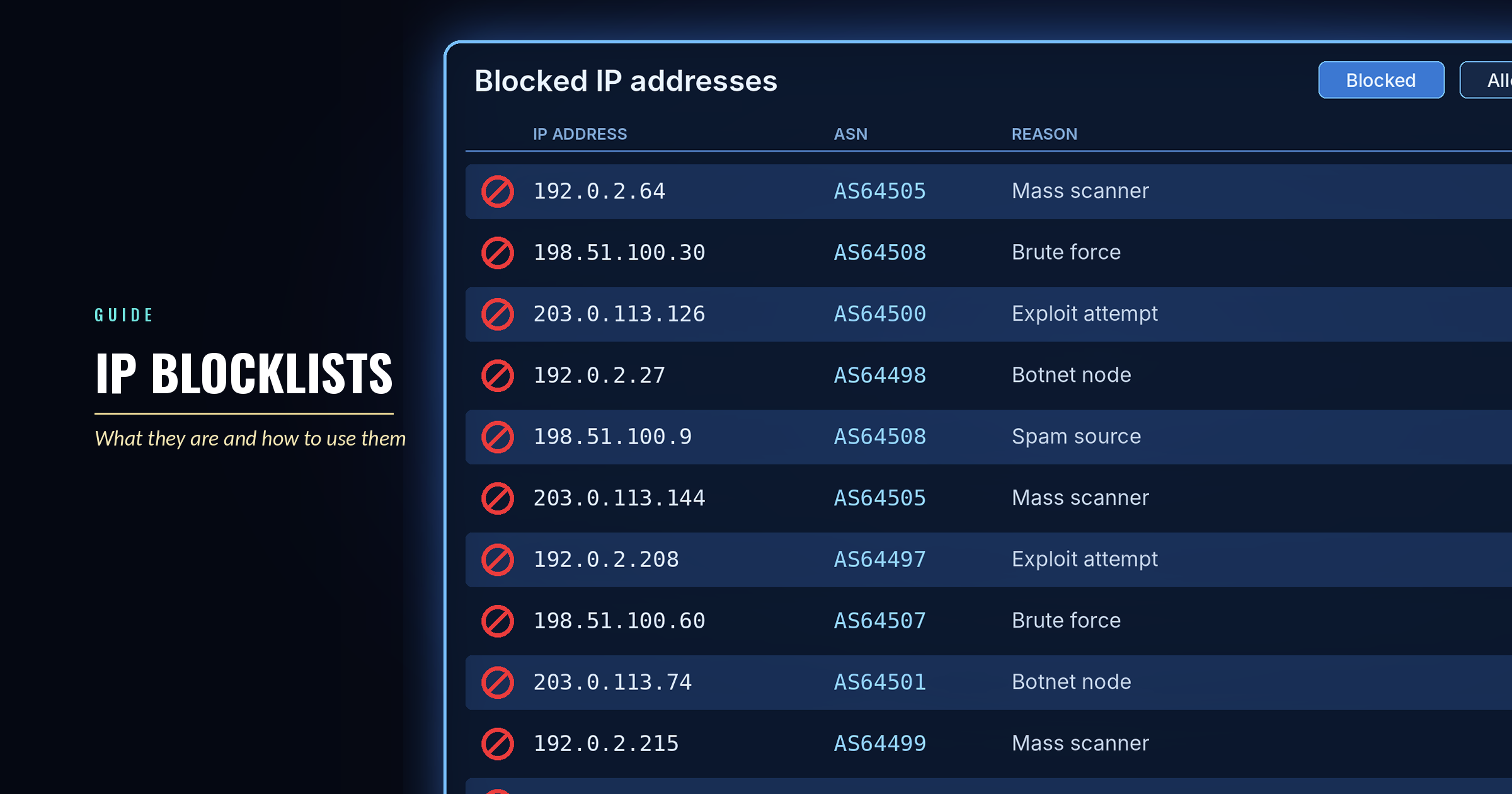
Implementing a dynamic blocklist with IPtables

Active Campaign Detected Across the Sensor Fleet
Published:
27 May 2026
By:
Xavier Bellekens
Summary
One effective method of strengthening your network's security is integrating IPtables, Linux's native firewall, with a dynamic blocklist. This post guides you through implementing this security measure, so that you are protected against known malicious IP addresses.
Understanding dynamic blocklists
A dynamic blocklist is an updated list of IP addresses identified as threats. By integrating this blocklist with IPtables, you are proactively preventing these potentially harmful IP addresses from accessing your network.
Why combine IPtables and dynamic blocklists?
IPtables is a versatile and powerful tool that manages network packet filtering rules. When combined with a dynamic blocklist, it allows for automated and real time updates to firewall rules, offering an additional layer of network protection.
Step by step guide: implementing a dynamic blocklist with IPtables
1. Preparing your environment
Before starting on the script and automation, ensure you have a designated directory to store your blocklists and scripts:
mkdir /etc/iptables_blocklist
cd /etc/iptables_blocklist
2. Obtaining dynamic blocklists
Lupovis provides blocklists for a variety of specific security needs. These range from sector and geographical blocklists, compiled to identify zero day adversaries, human actors, bots, mass scanners and other potential threats, to global blocklists.
This is made possible through an extensive network of sensors placed across the internet, dedicated to analysing and interpreting the constant noise of online activity. These sensors classify and categorise that activity in real time, so that Lupovis blocklists are consistently accurate, reliable and up to date.
To obtain our dynamic blocklists, contact Lupovis.
3. Crafting the update script
Create a script named update_blocklist.sh. Replace the BLOCKLIST_URL value with the URL of your Lupovis blocklist.
#!/bin/bash
BLOCKLIST_URL="LUPOVIS Dynamic Blocklists"
PREVIOUS_BLOCKLIST="/etc/iptables_blocklist/previous_blocklist.txt"
CURRENT_BLOCKLIST="/etc/iptables_blocklist/current_blocklist.txt"
IPTABLES="/sbin/iptables"
IPSET="/sbin/ipset"
BLOCKLIST_SET_NAME="myblocklist"
# Download the current blocklist
curl -s $BLOCKLIST_URL -o $CURRENT_BLOCKLIST
# Create the previous blocklist file if it does not exist yet
touch $PREVIOUS_BLOCKLIST
# Create the ipset set if it does not exist
$IPSET list -n | grep -q $BLOCKLIST_SET_NAME || $IPSET create $BLOCKLIST_SET_NAME hash:ip
# Add new IPs to the blocklist
comm -13 <(sort $PREVIOUS_BLOCKLIST | sort | uniq) <(sort $CURRENT_BLOCKLIST | sort | uniq) | while read -r IP; do
  $IPSET add $BLOCKLIST_SET_NAME $IP
done
# Remove outdated IPs from the blocklist
comm -23 <(sort $PREVIOUS_BLOCKLIST | sort | uniq) <(sort $CURRENT_BLOCKLIST | sort | uniq) | while read -r IP; do
  $IPSET del $BLOCKLIST_SET_NAME $IP
done
# Ensure the IPtables rule is in place
$IPTABLES -C INPUT -m set --match-set $BLOCKLIST_SET_NAME src -j DROP 2>/dev/null || $IPTABLES -I INPUT -m set --match-set $BLOCKLIST_SET_NAME src -j DROP
# Save the current blocklist as the previous one for the next run
cp $CURRENT_BLOCKLIST $PREVIOUS_BLOCKLIST
Make the script executable:
chmod +x /etc/iptables_blocklist/update_blocklist.sh4. Automating the update process
To keep your blocklist updated, create a cron job to run the script regularly:
crontab -eAdd the following line to execute the script every hour:
0 * * * * /etc/iptables_blocklist/update_blocklist.shSave and exit the editor.
Best practices and considerations
- Update frequency: Ensure you adjust the cron job's frequency based on how often the external blocklist is updated.
- Monitor your scripts: Regularly check that your script is running as expected and monitor the logs for any errors.
- Use ipset for performance: Using ipset ensures that even large blocklists will not hinder your system's performance.
Conclusion
Integrating a dynamic blocklist with IPtables is a proactive measure to enhance your network's security. By following this guide, you can automatically block traffic from known malicious IP addresses, keeping your network safe and secure.